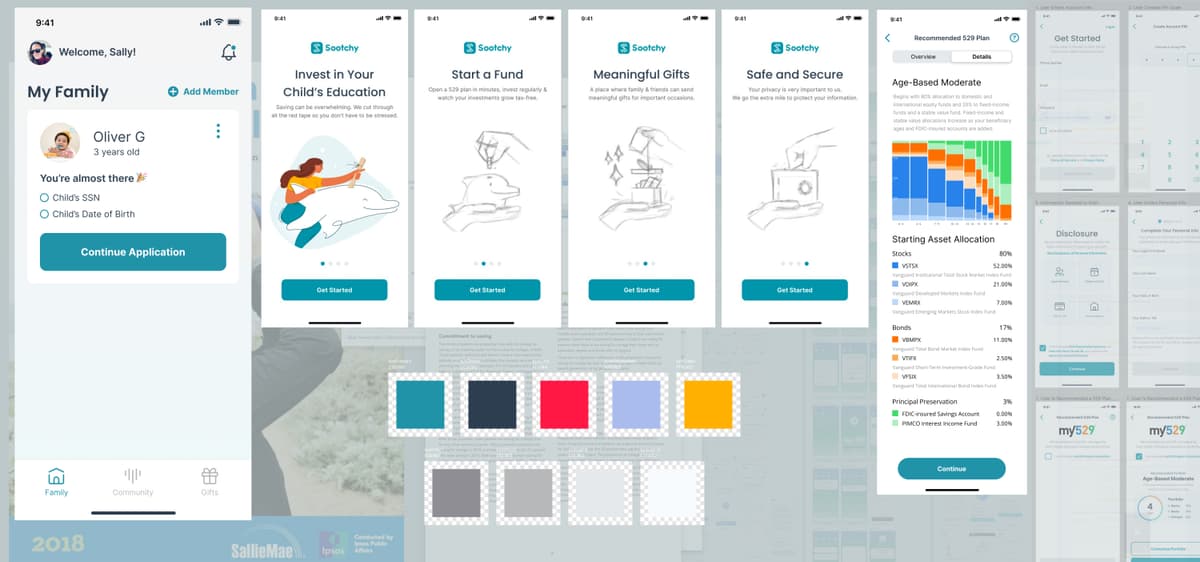
Redesigning an app to help families easily open 529 Accounts for their children's college savings.
The Challenge
I was tasked with redesigning an app that helps families easily open 529 Accounts for their kids, making sure they’ll be able to afford college when the time comes. The app already had a solid purpose, but I wanted to push myself creatively and see how I could make it even better by focusing on a more intuitive and user-friendly experience.
Why this app?
529 Accounts might not seem exciting at first glance, but I believe making something as complex as college savings feel simple and approachable can have a real impact. Plus, helping families plan for their kids’ future? That's something I could get behind.
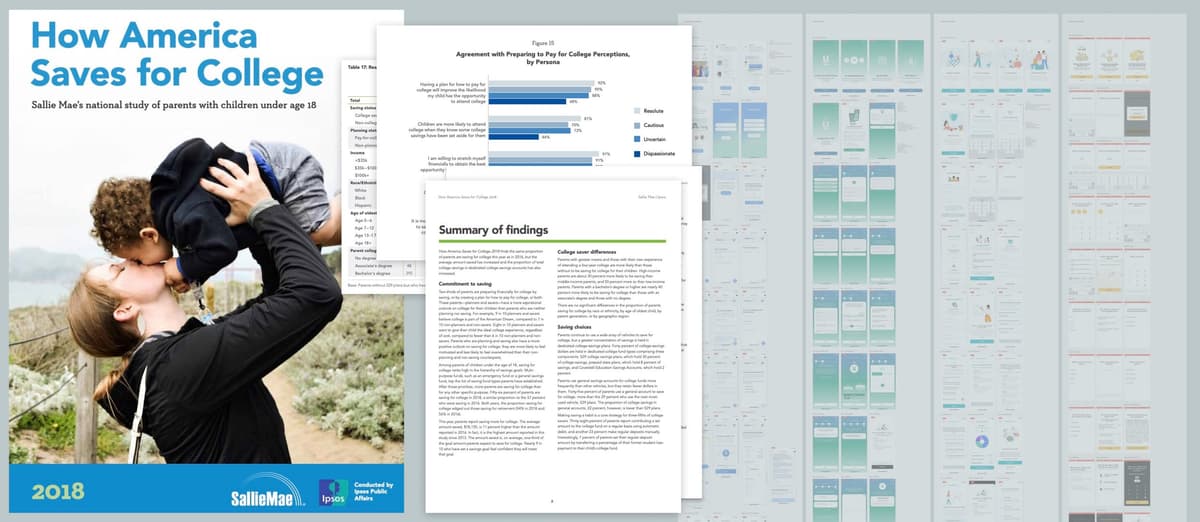
Before diving in, I took a hard look at the market, the target audience, and what competitors were offering. I even dug into some research from Sallie Mae to understand the pain points families face when opening these accounts. That research gave me the foundation to build something that felt truly tailored to the users’ needs.
Usability Studies
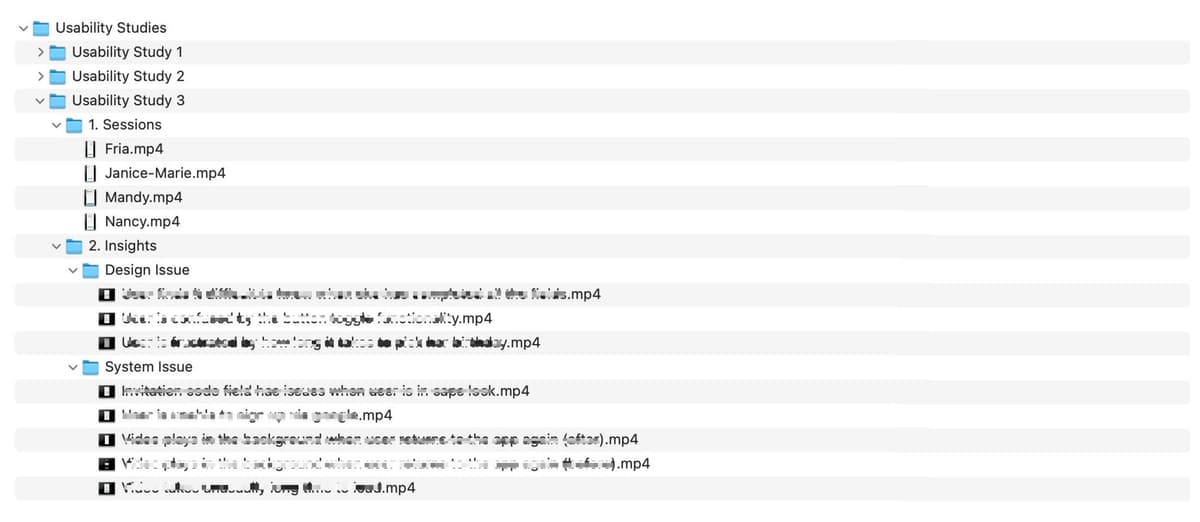
To figure out what could be improved, I turned to PlaybookUX and ran usability tests. The goal? Get a clearer picture of how real users were interacting with the app. I built questionnaires, gathered data, and sat down to analyze it all.
Here’s what stood out:
-
Confusing navigation: Users found it difficult to understand the steps required to open a 529 Account. There were too many unnecessary steps, which made the process feel overwhelming.
-
Technical language: The app used financial jargon that didn’t resonate with families, who preferred clear and simple instructions.
-
Lack of personalized guidance: The app didn’t offer personalized recommendations or insights, which could be crucial for making informed decisions.
These insights showed me there was a real opportunity to:
-
Simplify the navigation to make the process straightforward and user-friendly.
-
Replace technical terms with easy-to-understand language.
-
Add personalization features to guide families toward the best options for their specific circumstances.
I took these findings straight to the stakeholders, and they became the foundation for the redesign.
For more information on usability studies, check out Nielsen Norman Group's article.
User Flow
With the insights from the usability studies, I dove into improving the user flow. The old version had too many friction points, so I focused on:
-
Streamlining the steps: I reduced the number of steps required to set up a 529 Account, making the process faster and more intuitive.
-
Guided user journey: I added prompts to guide users based on their specific needs, making the experience feel more personalized and less generic.
Throughout this process, I kept the stakeholders updated with regular check-ins to make sure we were aligned.
Design
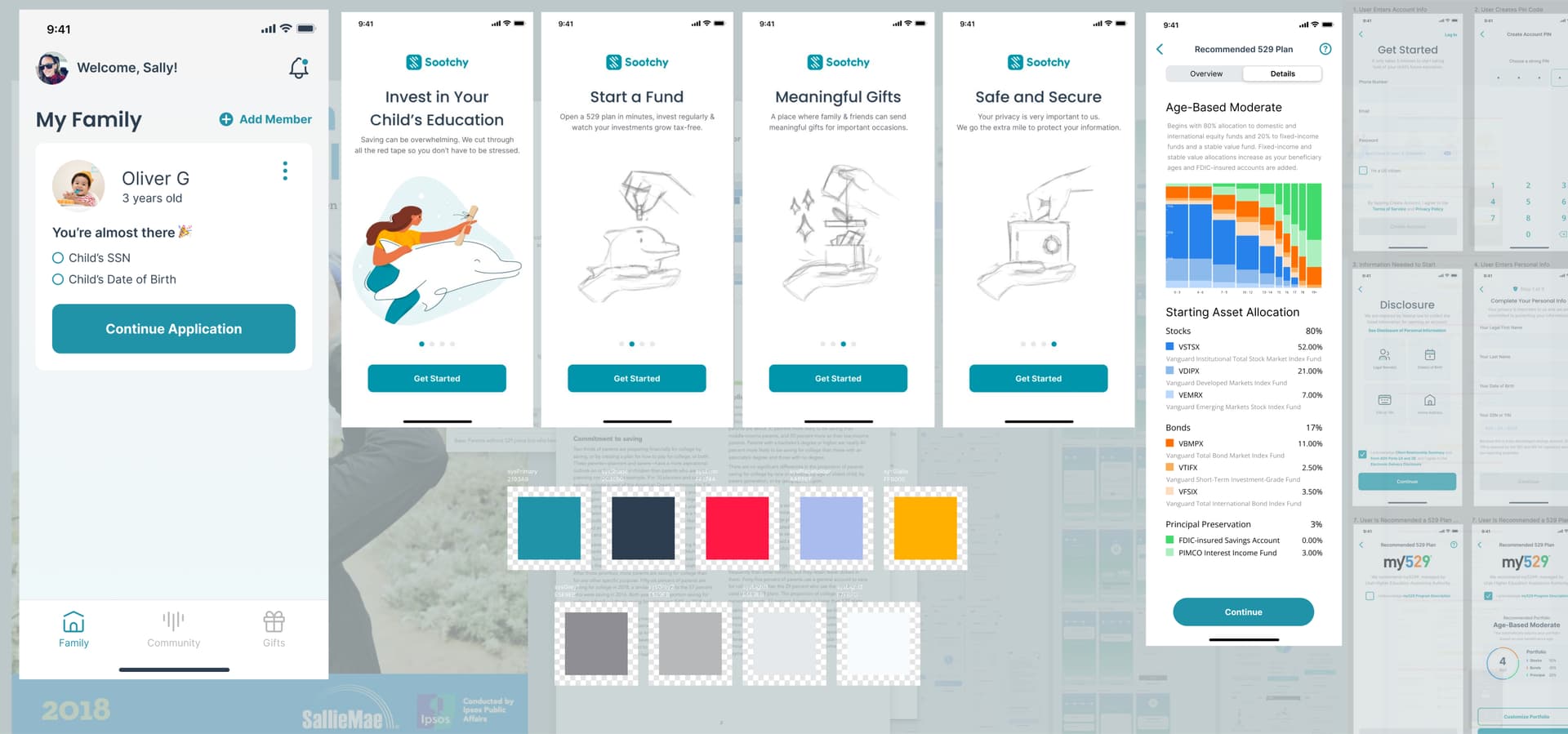
Once the user flow was locked in, it was time to focus on the visuals. I wanted the design to feel fresh and approachable, so I proposed a new branding style—something that felt warm, modern, and a little less corporate. I even threw in some custom illustrations to give the app some personality.
To make things easier for the dev team, I built a design system with reusable components. Oh, and I didn’t stop there—I prototyped a few of the key components in React to make sure everything worked smoothly from a functional perspective.